Learn
How to Export Notion Pages to PDF via Markdown
Notion's PDF export breaks tables and images. Export to Markdown instead, then convert to a clean PDF with intact tables, code, and headings.
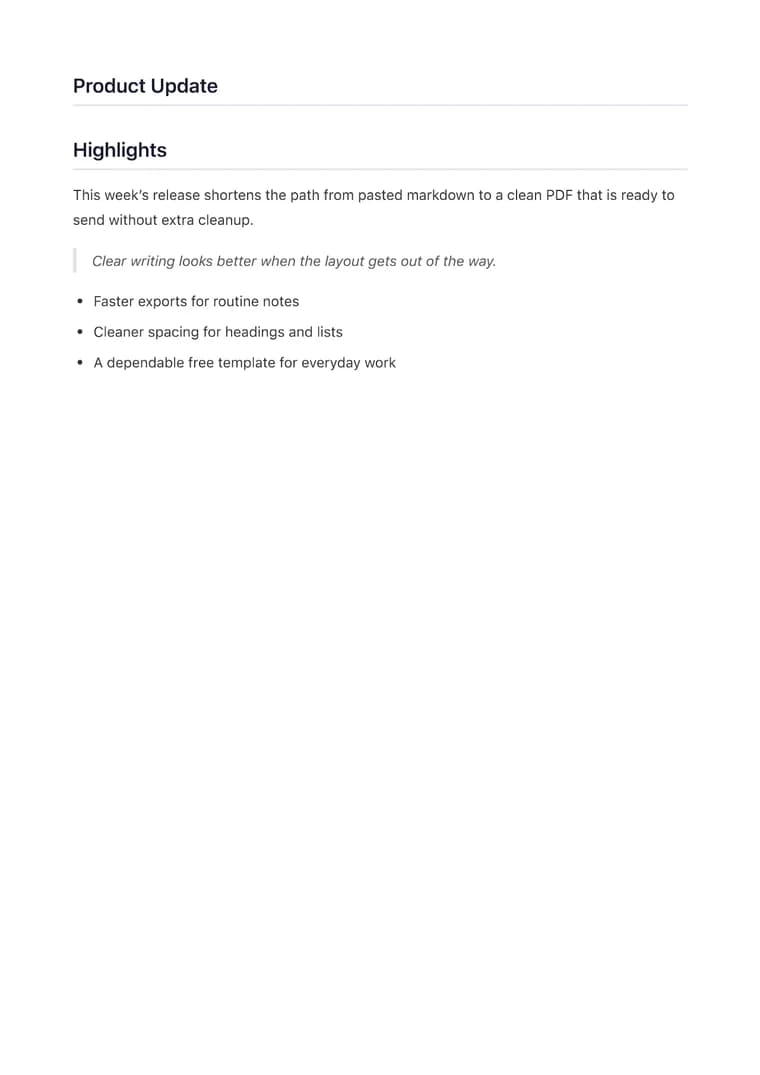
What you will produce
Try the related templateOn this page
The cleanest way to get a Notion page into a polished PDF is to export it as Markdown, then convert that Markdown to PDF. Notion’s own “Export to PDF” frequently cuts off wide tables, misplaces images, and flattens formatting — routing through Markdown avoids all of that.
Step 1 — Export the page as Markdown
In Notion, open the page menu (•••) → Export → set Export format to Markdown & CSV. Notion produces a .md file (plus a folder of any images). Open the .md file in a text editor and copy its contents.
Step 2 — Convert the Markdown to PDF
Paste the Markdown into the converter, choose a template, and export. Tables, headings, checklists, and code blocks carry over with their structure intact.
What to watch for
Notion’s Markdown export has a few quirks worth fixing before you export:
| Notion element | What happens | Fix |
|---|---|---|
| Images | Exported as local file paths | Replace with a reachable image URL |
| Wide databases | Become Markdown tables | Trim columns so the table fits the page width |
| Toggles & callouts | Flattened to plain text/quotes | Usually fine; reformat key ones as headings |
| Equations | Exported as LaTeX | Render correctly in the converter |
Why route through Markdown
Notion stores everything as structured blocks, and its PDF renderer was built for screen layouts, not print — which is why tables clip and images drift. Markdown is a portable, print-friendly source format, so converting from it gives you even margins, a clear heading hierarchy, and tables that actually fit the page. The Clean template is the best default for Notion docs; switch to Executive when the page is going to a client or stakeholder.