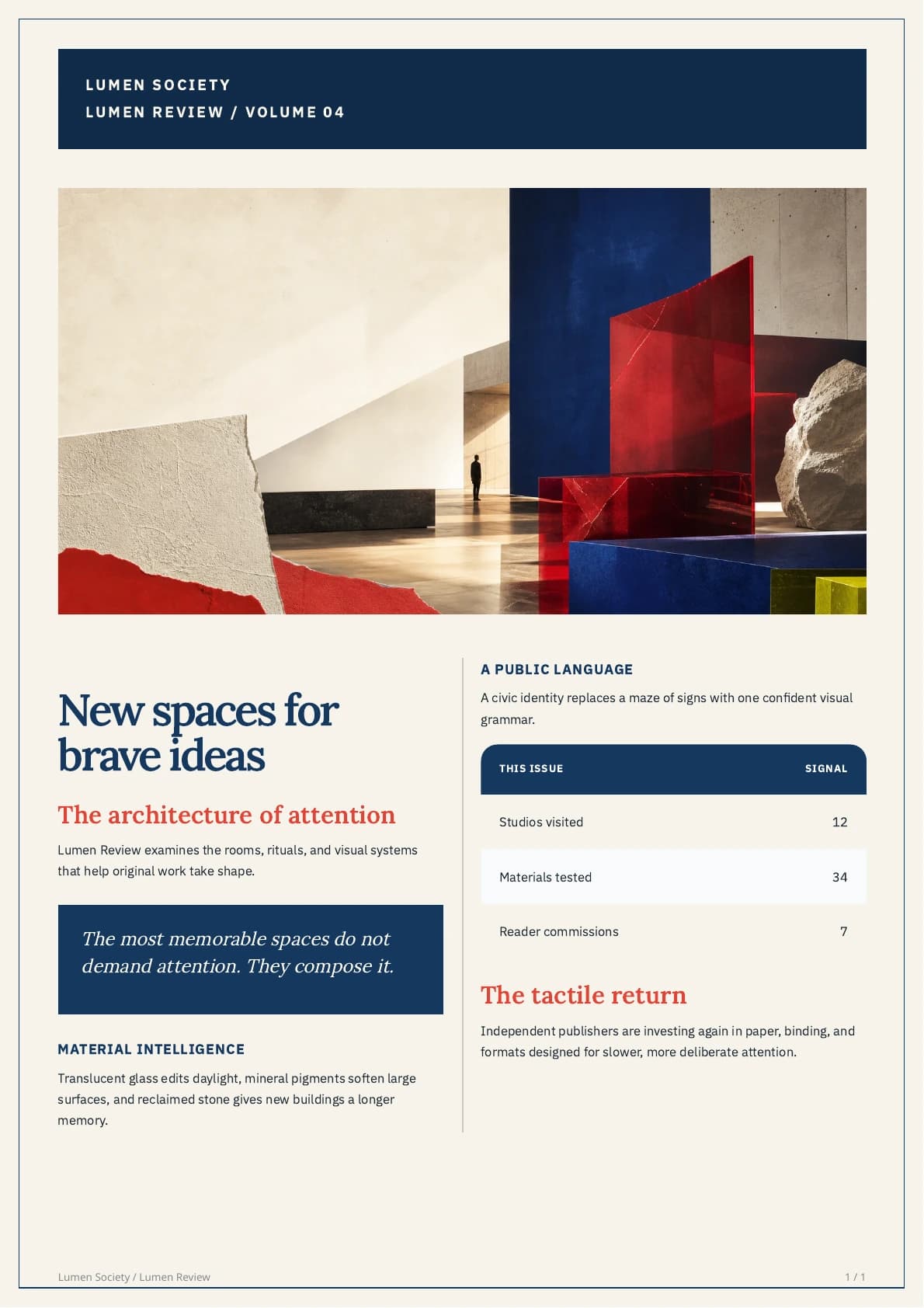
4:33, captured continuously in the real product. The session starts blank, enters every render-critical setting, renders the exact PDF, saves the reusable template, and exports the finished newsletter.
Build timeline
| Time | What you will do |
|---|---|
| 0:00 | Start with a blank publication |
| 0:12 | Create the brand system |
| 0:22 | Add realistic issue content |
| 0:27 | Set the A4 page geometry |
| 0:51 | Build the masthead |
| 1:22 | Drag the hero artwork into place |
| 1:29 | Size the hero precisely |
| 1:46 | Build the two-column reading grid |
| 2:03 | Shape the editorial hierarchy |
| 2:30 | Finish links, lists, quotes, and tables |
| 3:35 | Label every reusable layout block |
| 4:00 | Render the exact PDF, save, and export |
Build beside the video
- Open the blank template builder beside the video and pause after each chapter.
- Enter the demonstrated values for an exact Lumen copy, or replace the publication name, palette, fonts, artwork, and issue content with your own brand.
- Render PDF proof before publishing. The proof and Premium Download use the same production PDF renderer.
For the fastest route, open the ready-made Lumen starter. You can also inspect the finished A4 newsletter PDF before building.
Exact specifications and production checks
The exact design system
| Layer | Demonstrated setting | Purpose |
|---|---|---|
| Page | A4 portrait with a disciplined editorial safe area | Keeps the masthead, artwork, body grid, and folio aligned |
| Palette | Lumen navy with vermilion accents | Creates a recognizable issue identity without coloring long copy |
| Display type | Lora Semibold | Gives headlines and pull quotes an editorial voice |
| Reading type | IBM Plex Sans Regular | Keeps dense two-column stories comfortable |
| Body grid | 2 columns, 32 px gap, 1 px rule | Balances reading width and page rhythm |
| Hero artwork | Wide image with a controlled crop | Opens the issue with a real visual subject rather than decoration |
The design uses two type families and one accent color. That restraint lets the artwork, headlines, pull quote, and data table create hierarchy without making the page feel busy.
Issue Markdown
Keep the structure concise and predictable:
# New spaces for brave ideas

## The architecture of attention

An opening standfirst that frames the issue.

> A short pull quote with one memorable idea.

### Field note 01: Material intelligence

Two or three focused paragraphs.

| This issue | Signal |
| --- | ---: |
| Studios visited | 12 |
| Materials tested | 34 |
Use one H1, short H2 section titles, and compact H3 kickers. Two meaningful table columns work better than squeezing a spreadsheet into the magazine grid.
Publication checklist
- Use artwork at least
1600 pxwide for a sharp A4 hero. - Keep body text between
10.5 pxand12 px; do not solve overflow by making it tiny. - Confirm the longest realistic headline and table fit before standardizing the template.
- Check that the hero crop reaches both content edges without stretching.
- Make sure no heading is stranded at the bottom of a column and the pull quote stays together.
- Render a fresh proof after changing fonts, page padding, artwork crop, column count, or issue structure.
A signed-up free account includes five premium PDF exports, including custom-template newsletters. Use them to test realistic long headlines, tables, artwork, multi-page flow, and the downloaded PDF before upgrading.
From Markdown to a finished publication