Learn
How to Convert a GitHub README to PDF
Turn a GitHub README.md into a polished, GitHub-flavored PDF with working tables, code blocks, task lists, and Mermaid diagrams.
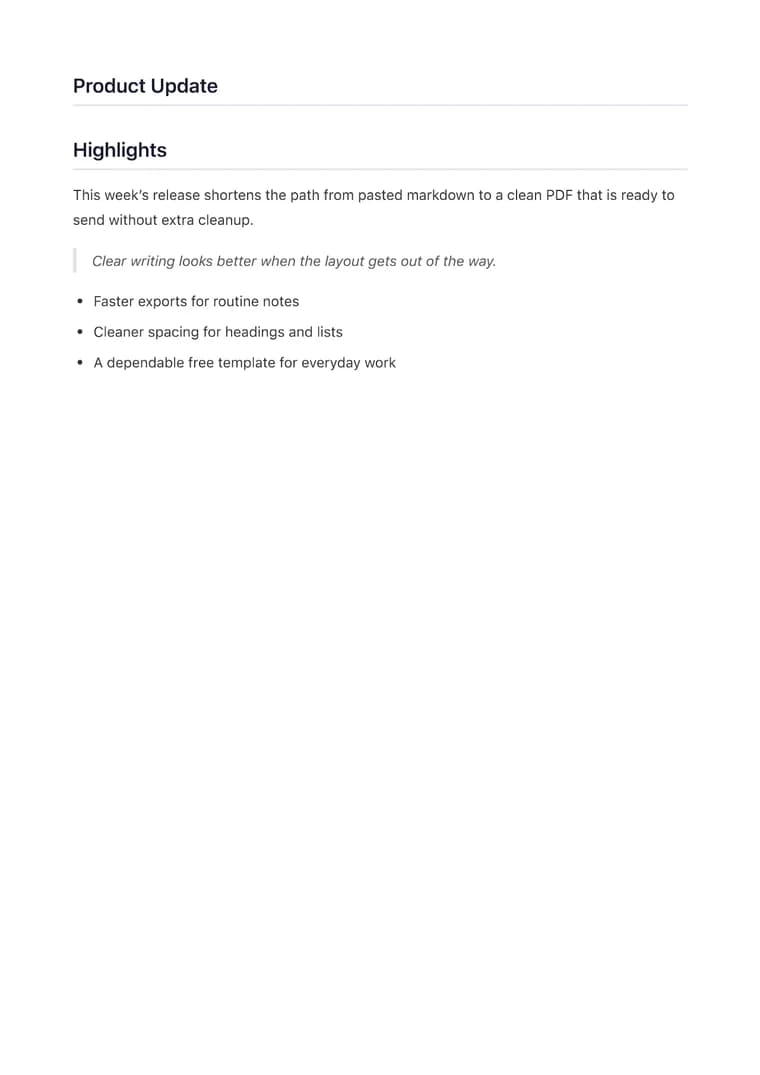
What you will produce
Try the related templateOn this page
To convert a GitHub README to PDF, copy the contents of the README.md file, paste it into the converter, and export. Because a README is already Markdown, the conversion preserves the GitHub-flavored formatting — fenced code blocks, tables, task lists, and Mermaid diagrams — in a document you can attach to a proposal, grant application, or release.
A rendered README looks great on GitHub but can’t be handed to someone who needs a file. Exporting it to PDF gives you a self-contained, printable version of your project documentation.
Get the Markdown source
Open the repository, click the README.md file, then use the Raw button (or “Copy raw contents”) to get the Markdown rather than GitHub’s rendered HTML. Paste that into the converter.
GitHub-flavored Markdown that carries over
- Fenced code blocks keep their language syntax highlighting.
- Tables render with proper borders and alignment.
- Task lists (
- [x]) export as checkboxes. - Mermaid diagrams in
```mermaidblocks render as real vector graphics. Mermaid is a premium feature available during the five-export free premium trial, then with paid premium access. Up to 5 diagrams are allowed per document.
Two things to fix first
- Badges and shields at the top are images hosted on external services; keep the ones that load over HTTPS and remove any that are decorative or broken.
- Relative links (
./docs/CONTRIBUTING.md) point to other files in the repo and won’t resolve in a PDF. Convert the important ones to absolute GitHub URLs.
Best template
The Clean template mirrors the straightforward, readable look people expect from project documentation. If the README is going into a polished company profile or a funding packet, Executive adds a more formal hierarchy without changing your content.