Learn
Automate Polished PDF Publishing with API v2
Create versioned Markdown documents, publish task-specific PDFs, verify the artifact, and use reviewed n8n, Make, or Zapier workflows.
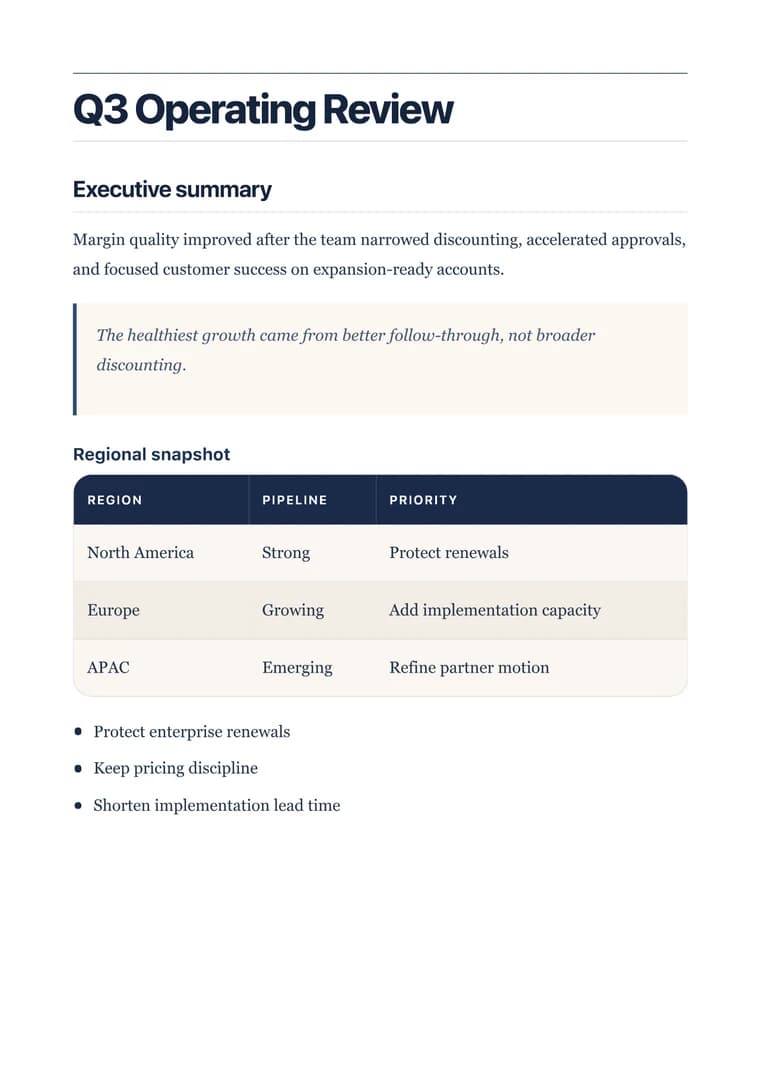
What you will produce
Try the related templateOn this page
API v2 is for documents that must be regenerated, audited, or automated. It keeps the Markdown source, immutable revision, publishing job, and final PDF artifact separate.
Choose the shortest reliable path
| Your environment | Start here |
|---|---|
| Application or backend | OpenAPI v2 |
| n8n | Download the workflow |
| Make | Download the blueprint |
| Zapier | Download the setup kit |
| Claude Code or an AI agent | Connect the MCP server |
The three automation downloads use the same consulting-proposal fixture and are validated together. They contain no API keys.
Create the right key
Open Dashboard → API Keys and choose Publish PDFs. That preset grants only:
documents.render
documents.read
Choose Publish and delete sources only when your workflow intentionally deletes managed source after a verified local write. Keep webhook administration on a separate key.
Follow one lifecycle
POST /api/v2/documents
POST /api/v2/documents/{documentId}/publishes
GET  /api/v2/jobs/{jobId}
POST /api/v2/artifacts/{artifactId}/links
GET  {signed artifact URL, without Authorization}
Create and publish requests require an Idempotency-Key. Derive it from a stable trigger record or run ID, then reuse the identical key and request body for retries.
Send a task-specific document
{
  "taskId": "consulting-proposal",
  "title": "Northstar discovery proposal",
  "revision": {
    "markdown": "# Northstar Discovery Proposal\n\n## Outcome\nA decision-ready roadmap.",
    "parentRevisionId": null,
    "spec": {
      "locale": "en",
      "options": {
        "bodyTextColor": "#1F2937",
        "headingTextColor": "#0F766E",
        "pageNumbers": true
      },
      "templateId": "proposal-consulting"
    }
  }
}
The templateId is the product decision that turns generic Markdown into a document designed for its purpose. Start with the template family closest to the real output rather than defaulting to clean.
Handle the asynchronous job
Treat only succeeded, failed, and cancelled as terminal. Honor Retry-After, use bounded backoff, and set an overall deadline. Do not create a second publication simply because one status request timed out.
On success, the job response includes an artifact summary with filename, page count, byte count, and SHA-256. Mint a private link immediately before download.
Keep the signed download separate
The returned href is already a short-lived credential. Fetch it with no Authorization header. Forwarding the API key can leak it to storage infrastructure or break a signed request.
After download:
- Verify the bytes against
artifact.sha256. - Write the file atomically.
- Restrict local permissions when the document is private.
- Delete managed source only after the verified write, if that was explicitly requested.
Production checks
- API keys live only in a secret or connection manager.
- Render keys have
documents.renderanddocuments.read, nothing broader. - Mutation retries reuse the same idempotency key and canonical body.
- Polling has a terminal-state check and an overall deadline.
- Signed artifact downloads receive no bearer key.
- A representative PDF is visually approved before scheduling high volume.
- Logs contain job IDs and correlation IDs, not Markdown or signed URLs.
Use the API reference for the complete lifecycle and the PDF quality checklist to approve the output before automation goes live.