Learn
How to Convert Obsidian Notes to PDF
Export Obsidian Markdown to a clean, shareable PDF and handle the wikilinks, callouts, and embeds the built-in export struggles with.
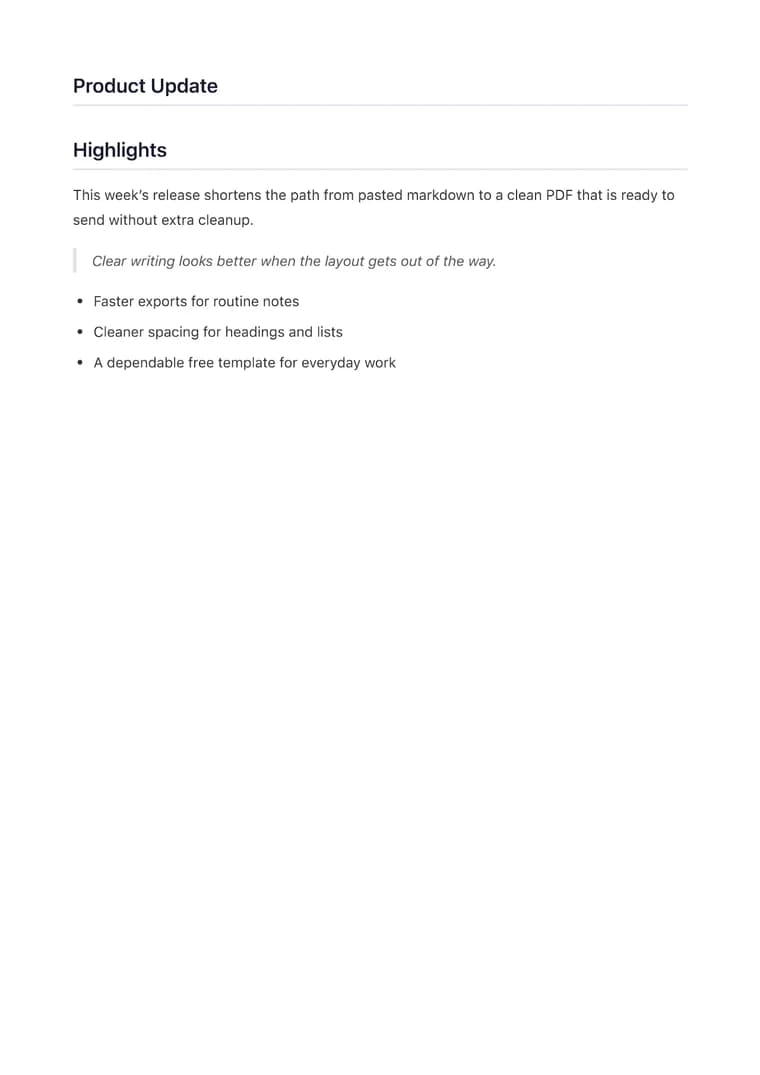
What you will produce
Try the related templateOn this page
To convert an Obsidian note to PDF, copy the note’s Markdown, paste it into the converter, pick a template, and export. This keeps your headings, lists, tables, and code blocks intact — and gives you control over the page layout that Obsidian’s native “Export to PDF” does not.
Obsidian is excellent for writing and linking notes, but its built-in PDF export is tied to your current theme and often produces inconsistent margins, oversized headings, or clipped content. Converting the raw Markdown instead gives you a predictable, professional result every time.
A reliable workflow
- Open the note and copy its Markdown source (not the rendered preview).
- Paste it into the converter.
- Choose a template — Clean for notes and documentation, Executive for client-facing material.
- Check the live preview for long tables or code blocks before exporting.
- Export the PDF.
Handling Obsidian-specific syntax
Obsidian adds a few extensions on top of standard Markdown. Before exporting, it helps to resolve these:
- Wikilinks (
[[Note Name]]) are an Obsidian convention, not standard Markdown. Convert important ones to standard links, or remove them if the destination won’t exist in the PDF. - Callouts (
> [!note]) render as styled boxes in Obsidian. Plain blockquotes are the portable equivalent and export cleanly. - Embeds (
![[image.png]]) reference files in your vault. Use a standard image link with a reachable URL so the image appears in the PDF. - Frontmatter (the YAML block at the top) is metadata for Obsidian and can be removed before exporting.
Why this beats the native export
Because the converter renders from the Markdown itself rather than your editor theme, you get consistent A4 pages, readable heading hierarchy, and proper handling of code and tables — the same output whether you export today or next month. For a long note that should span multiple pages, the page margins stay even across every page, which Obsidian’s themed export frequently gets wrong.