Use case
Obsidian Markdown to PDF
Export Obsidian notes into printable PDFs without rebuilding the layout that already works inside your vault.
Try 5 premium PDFs freeFree accounts get 5 premium PDF exports before upgrading.
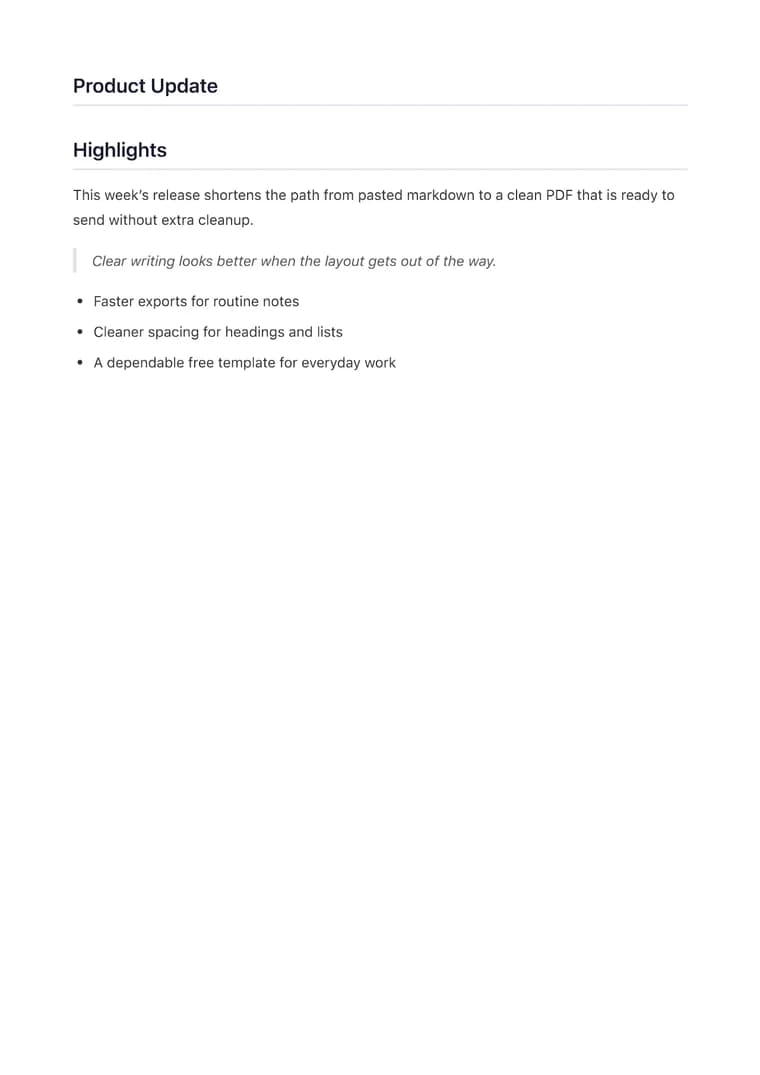
PDF previewClean
Use case
Export Obsidian notes into printable PDFs without rebuilding the layout that already works inside your vault.
templateId: "clean"Clean when you want the PDF to stay calm, readable, and faithful to the original note.
It preserves note structure, nested lists, and markdown-first formatting so an Obsidian note still reads like a note after export.
Clean is a strong default when you want a quiet, readable PDF that still feels like a well-organized note.
Most notes only need a quick preview to confirm spacing and then a single export for sharing or printing.
Explore adjacent workflows when this document starts in a different tool or needs a different final layout.
Additional guides and resources for getting the most out of Markdown-to-PDF.
A practical first-export walkthrough: choose the document you are making, select a task-specific template, inspect the preview, and verify the downloaded PDF.
Write Markdown that converts to beautiful, well-structured PDFs — headings, tables, code blocks, images, and more.