Use case
Notion to PDF from Markdown
Turn Notion notes into PDFs that feel polished and portable once the content leaves the workspace.
Try 5 premium PDFs freeFree accounts get 5 premium PDF exports before upgrading.
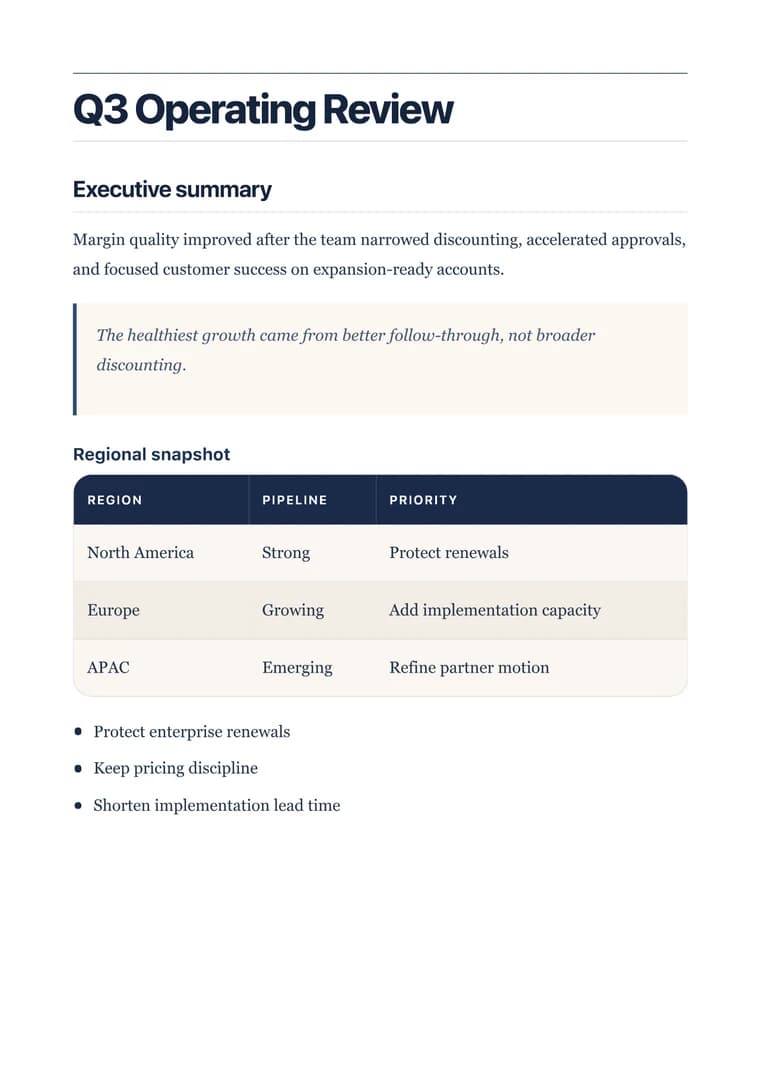
PDF previewExecutive
Use case
Turn Notion notes into PDFs that feel polished and portable once the content leaves the workspace.
templateId: "executive"Executive when workspace notes need to turn into a stable brief or meeting-ready document.
It preserves the structure of meeting notes, plans, and working docs after they are moved out of Notion and into markdown.
Executive works well when the document should read like a clean internal brief instead of a copied workspace page.
Most Notion-to-PDF workflows only need a markdown export, a quick cleanup pass, and one preview before download.
Explore adjacent workflows when this document starts in a different tool or needs a different final layout.
Additional guides and resources for getting the most out of Markdown-to-PDF.
A practical first-export walkthrough: choose the document you are making, select a task-specific template, inspect the preview, and verify the downloaded PDF.
Write Markdown that converts to beautiful, well-structured PDFs — headings, tables, code blocks, images, and more.