Use case
Mermaid Diagram to PDF
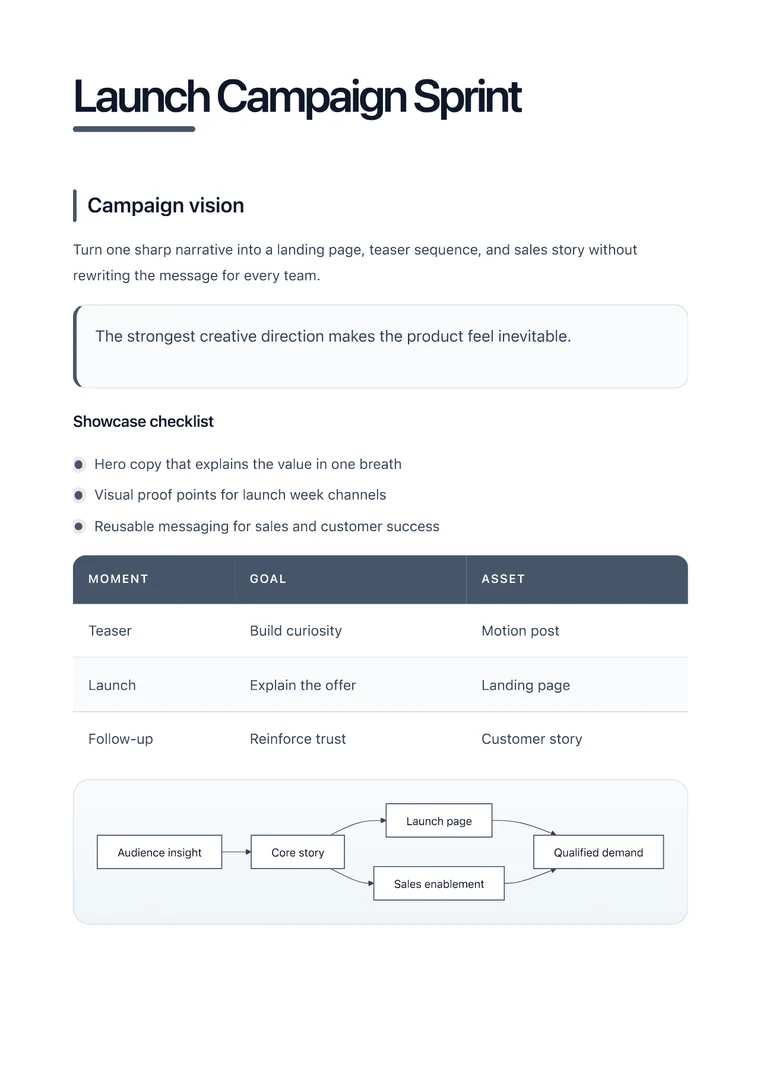
Render Mermaid diagrams inside a PDF that still includes the notes, captions, and structure people need around the visual.

Use case
Render Mermaid diagrams inside a PDF that still includes the notes, captions, and structure people need around the visual.

templateId: "creative"Creative when diagrams need more breathing room and stronger visual hierarchy.
It helps you preserve Mermaid diagrams alongside the headings, notes, and surrounding context that explain the diagram.
Creative is the best starting point when the diagram needs visual energy without losing the surrounding explanatory text.
The fastest workflow is to preview the diagram, confirm the labels are readable, and export once the page balances text with visuals.
Explore adjacent workflows when this document starts in a different tool or needs a different final layout.
Additional guides and resources for getting the most out of Markdown-to-PDF.
Write Markdown that converts to beautiful, well-structured PDFs — headings, tables, code blocks, images, and more.
A practical first-export walkthrough: choose the document you are making, select a task-specific template, inspect the preview, and verify the downloaded PDF.