Use case
GitHub README to PDF
Convert a GitHub README into a PDF that still feels like practical documentation instead of a flattened web page.
Try 5 premium PDFs freeFree accounts get 5 premium PDF exports before upgrading.
PDF previewClean
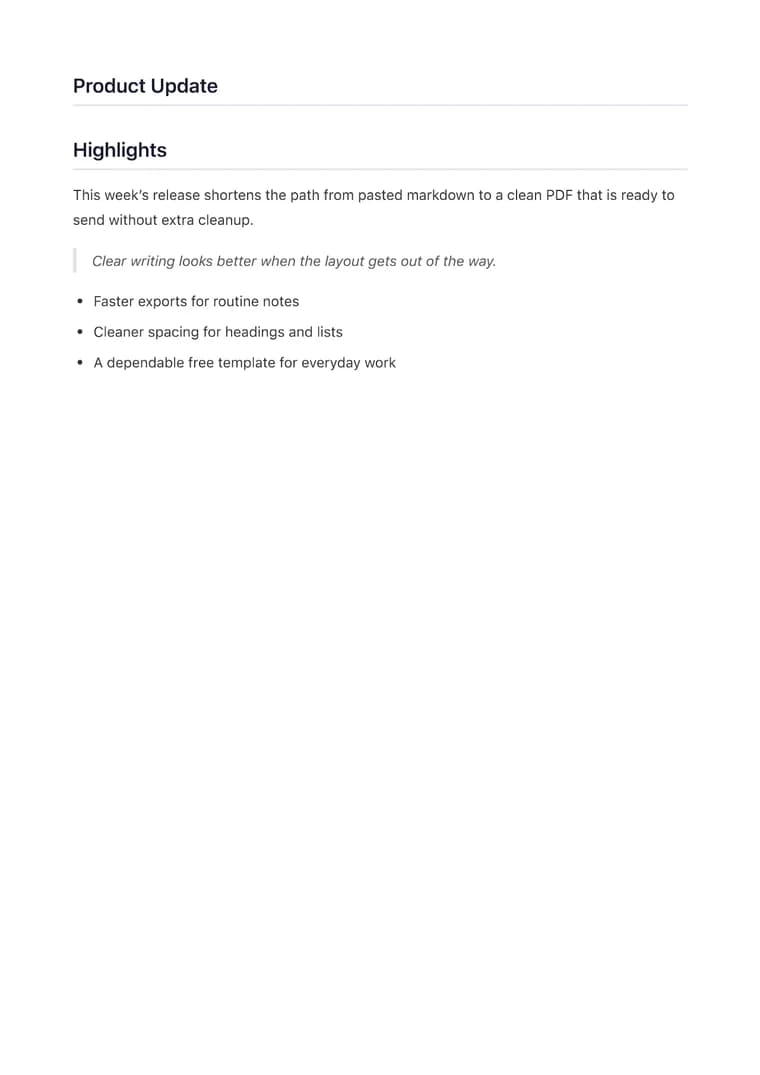
Use case
Convert a GitHub README into a PDF that still feels like practical documentation instead of a flattened web page.
templateId: "clean"Clean when documentation needs to stay clean, skimmable, and easy to follow.
It preserves setup steps, code fences, tables, and section order so a README stays useful when it leaves GitHub.
Clean is the easiest way to keep developer docs readable without adding visual noise to technical instructions.
Once the README is in markdown, the export is usually immediate unless you want to trim badges or repo-specific links first.
Explore adjacent workflows when this document starts in a different tool or needs a different final layout.
Additional guides and resources for getting the most out of Markdown-to-PDF.
A practical first-export walkthrough: choose the document you are making, select a task-specific template, inspect the preview, and verify the downloaded PDF.
Write Markdown that converts to beautiful, well-structured PDFs — headings, tables, code blocks, images, and more.