Use case
GitHub Flavored Markdown to PDF
Export GitHub Flavored Markdown as a PDF without flattening the task lists, tables, and code blocks that make the original useful.

Use case
Export GitHub Flavored Markdown as a PDF without flattening the task lists, tables, and code blocks that make the original useful.

templateId: "clean"Clean when GitHub-native formatting needs to stay readable without adding heavy visual chrome.
Task lists, tables, callouts, and fenced code blocks usually carry over well when the source markdown already uses GitHub Flavored Markdown patterns.
Clean is the easiest starting point when you want the PDF to feel like polished documentation instead of a printed web page.
The only common cleanup is removing badges, shortening very wide table headers, and replacing repo-only links that will not make sense in a PDF.
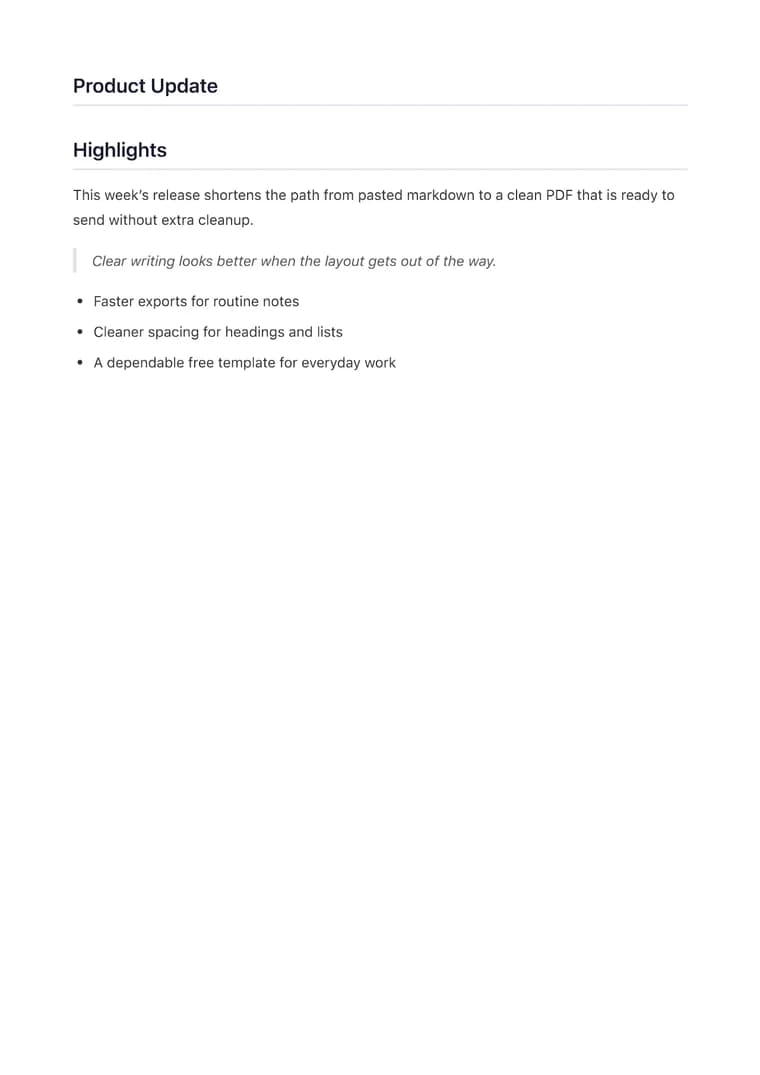
Explore adjacent workflows when this document starts in a different tool or needs a different final layout.
Additional guides and resources for getting the most out of Markdown-to-PDF.
Write Markdown that converts to beautiful, well-structured PDFs — headings, tables, code blocks, images, and more.
A practical first-export walkthrough: choose the document you are making, select a task-specific template, inspect the preview, and verify the downloaded PDF.