Use case
Markdown Code Blocks to PDF
Convert markdown code fences into a PDF that stays readable for reviewers, handoffs, and technical notes.
Try 5 premium PDFs freeFree accounts get 5 premium PDF exports before upgrading.
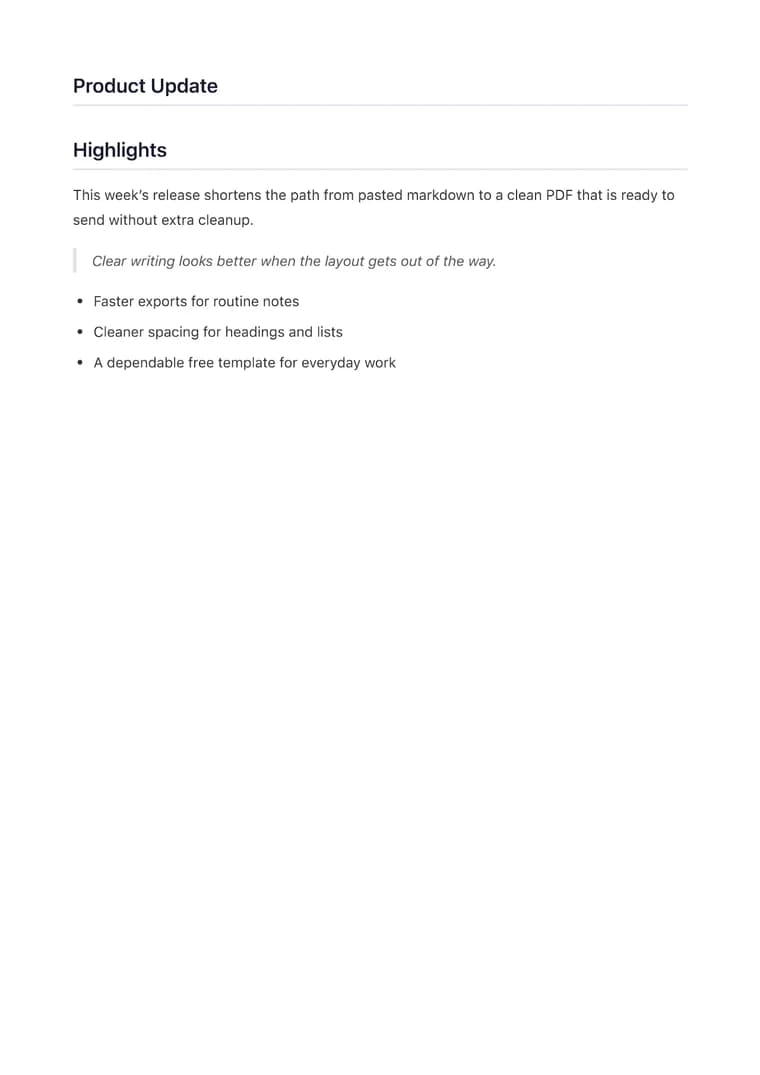
PDF previewClean
Use case
Convert markdown code fences into a PDF that stays readable for reviewers, handoffs, and technical notes.
templateId: "clean"Clean when code samples and short explanations need equal weight in the exported PDF.
It keeps fenced code blocks, language labels, and the surrounding explanation together so the PDF still reads like technical guidance instead of a raw paste.
Clean is a strong default because it keeps code and prose balanced without making the export feel like a slide deck.
Most cleanup comes down to adding language tags, trimming very long lines, and checking that the code sample still fits the page width.
Explore adjacent workflows when this document starts in a different tool or needs a different final layout.
Additional guides and resources for getting the most out of Markdown-to-PDF.
Write Markdown that converts to beautiful, well-structured PDFs — headings, tables, code blocks, images, and more.
A practical first-export walkthrough: choose the document you are making, select a task-specific template, inspect the preview, and verify the downloaded PDF.