Markdown to PDF

Convert Claude to PDF

Export Claude answers as readable PDFs without losing the structure, pacing, and code-heavy sections that make them useful.

Try 5 premium PDFs freeFree accounts get 5 premium PDF exports before upgrading.
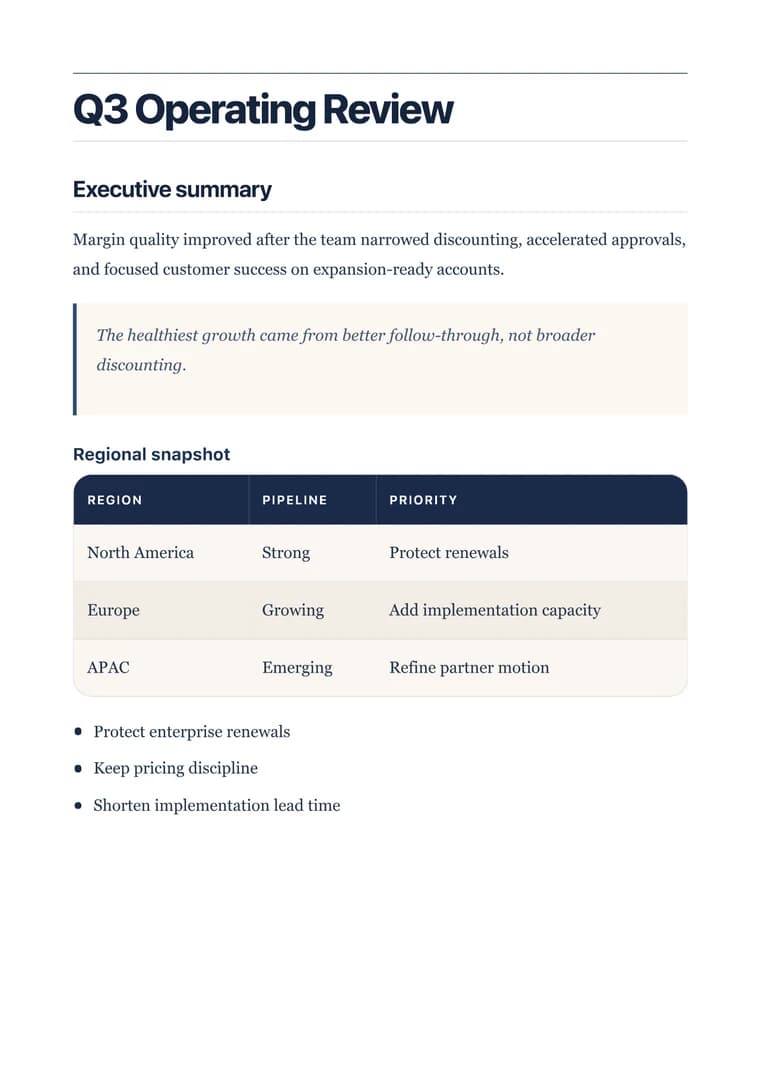
PDF previewExecutive
Executive - PDF preview

Recommended template

Executive when the answer needs stronger hierarchy and cleaner presentation for technical readers.

Why this workflow works well

  • Move Claude output into a format that works for technical reviews, stakeholder updates, and archived decisions.
  • Keep long sections and code blocks readable instead of collapsing them into an unstructured paste.
  • Share one clean PDF when the answer needs to travel beyond the original conversation.

How to convert this page to PDF

  1. Paste the Claude answer: Bring in the response, artifact draft, or technical write-up that needs to be shared.
  2. Choose a document-style template: Pick a layout that keeps long sections calm and code blocks easy to scan.
  3. Export the final handoff: Preview the result, then download the PDF for review, delivery, or documentation.

FAQ

What is Claude to PDF best at preserving?

It keeps long-form explanations, structured sections, and code blocks readable when Claude output needs to become a finished document.

Why start with Executive for Claude output?

Executive is the right starting point when the answer needs to feel polished enough for review, delivery, or documentation.

How much cleanup does Claude output usually need before export?

Most Claude responses are export-ready once you trim the opening lines, confirm the sections, and download the PDF.
Related use cases

Explore adjacent workflows when this document starts in a different tool or needs a different final layout.

More guides

Additional guides and resources for getting the most out of Markdown-to-PDF.