Markdown to PDF

Convert ChatGPT to PDF

Turn a good ChatGPT answer into a PDF you can forward, file, or share with someone who never needs to see the chat thread.

Try 5 premium PDFs freeFree accounts get 5 premium PDF exports before upgrading.
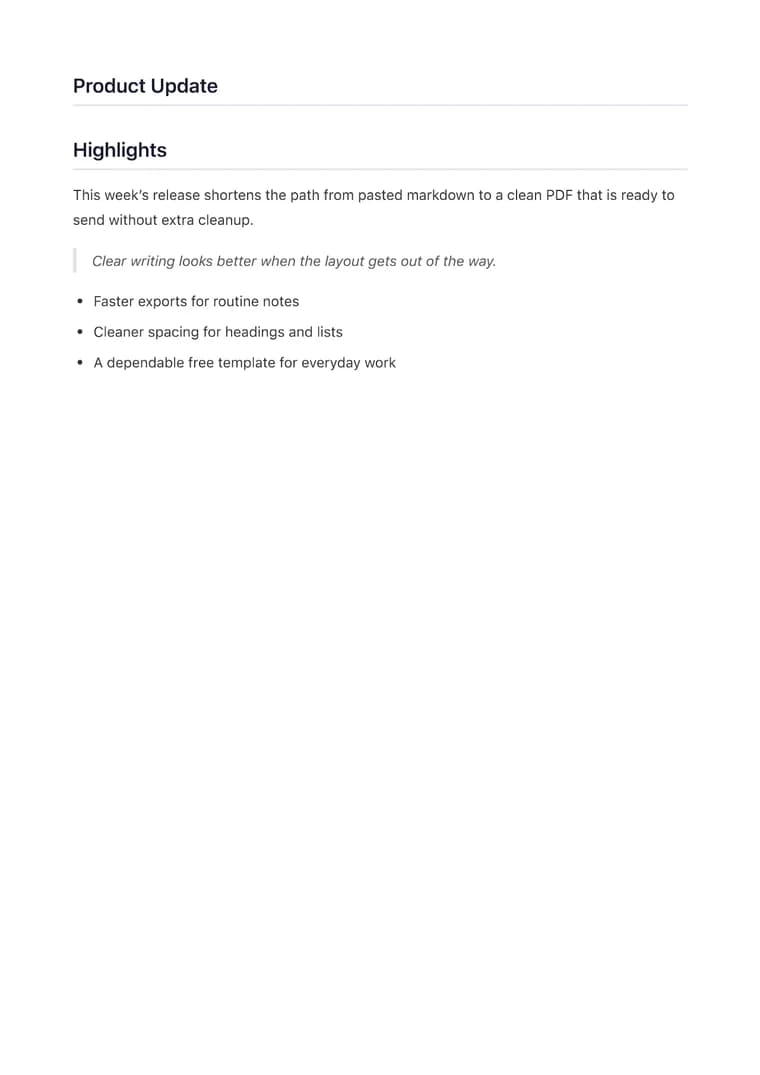
PDF previewClean
Clean - PDF preview

Recommended template

Clean when the output should read like a clean memo or working note.

Why this workflow works well

  • Share useful ChatGPT answers without forcing the reader to parse a chat interface.
  • Preserve the headings and lists that make fast answers readable when they become a real document.
  • Give teams a consistent PDF for meeting notes, drafts, and internal summaries.

How to convert this page to PDF

  1. Copy the ChatGPT response: Paste the markdown or lightly cleaned response you want to share outside the chat.
  2. Keep the layout simple: Use a clean note-style template so the answer reads like a polished summary instead of a copied transcript.
  3. Download the shareable version: Preview the structure, then export the PDF for teammates, clients, or stakeholders.

FAQ

What does ChatGPT to PDF preserve in the export?

It preserves the headings, lists, summaries, and short code snippets that usually get mangled when a chat answer is copied into a document editor.

Why is Clean the default for ChatGPT exports?

Clean works best when the goal is to turn a useful answer into a polished note, memo, or handoff without adding visual weight.

How quickly can I share a ChatGPT answer as a PDF?

If the answer is already structured, the whole process usually takes one paste, one preview pass, and one download.
Related use cases

Explore adjacent workflows when this document starts in a different tool or needs a different final layout.

More guides

Additional guides and resources for getting the most out of Markdown-to-PDF.