Markdown to PDF

Task-specific PDF converter

Markdown Statement of Work to PDF

Turn a Markdown statement of work into a polished PDF with scope, deliverables, assumptions, and signatures clearly structured.

Recommended template

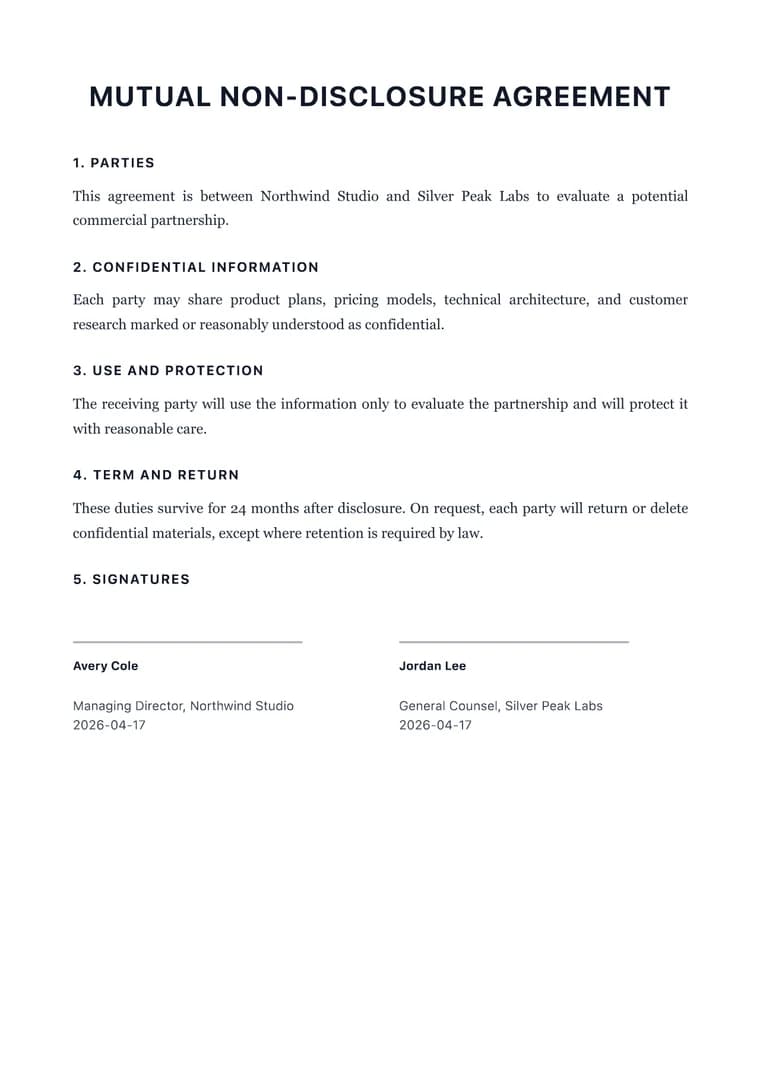
Legal when scope, deliverables, and acceptance criteria need a formal client-ready PDF.

Why this workflow works

  • Give SOW drafts a polished PDF format before client review.
  • Keep scope, deliverables, timeline, and acceptance criteria easy to compare.
  • Move from Markdown draft to client-ready PDF without rebuilding the document.

How it works

  1. Paste the SOW draft: Use Markdown with project scope, deliverables, timeline, fees, assumptions, and acceptance criteria.
  2. Choose formal formatting: Apply a legal-style template that keeps obligations and signature sections clean.
  3. Export the client copy: Preview tables and signature blocks, then download the PDF for review or approval.

Questions before you export

What should a statement of work PDF include?

A statement of work PDF should make scope, deliverables, assumptions, timeline, fees, and acceptance criteria easy to review.

Which template should I use for a SOW?

Legal is a good default when the SOW needs formal clauses and signature blocks. Executive can work for lighter proposal-style SOWs.

What should I verify before export?

Check scope exclusions, acceptance criteria, payment timing, dates, and signatures before sending the PDF.

Related converters

Try nearby document workflows that use the same Markdown-to-PDF engine.