Use case
Markdown Service Agreement to PDF
Turn a Markdown service agreement into a PDF where scope, payment terms, and signatures are easy to review.
Try 5 premium PDFs freeFree accounts get 5 premium PDF exports before upgrading.
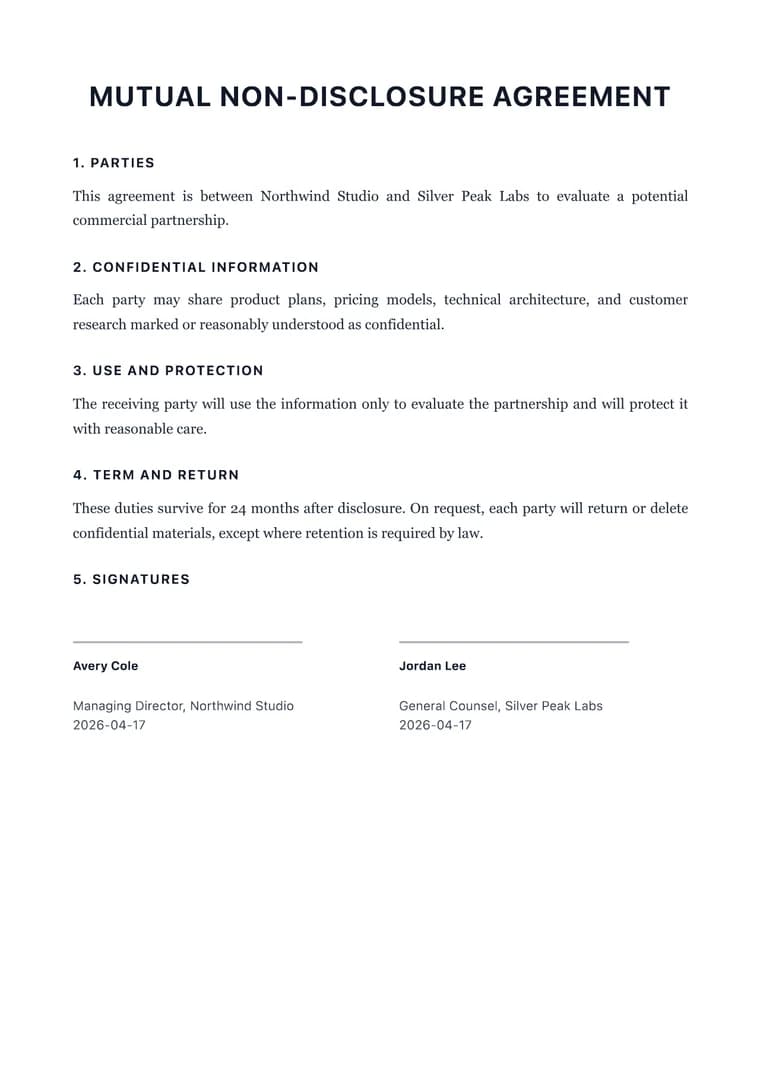
PDF previewLegal
Use case
Turn a Markdown service agreement into a PDF where scope, payment terms, and signatures are easy to review.
templateId: "legal"Legal when service terms need to read clearly for both parties before review or signature.
Service agreements need scope, responsibilities, payment terms, timelines, and signatures to remain easy to compare during review.
Legal gives service terms a formal structure while keeping the document readable for both sides.
Check the scope, exclusions, renewal terms, invoice timing, and signature table before exporting.
Explore adjacent workflows when this document starts in a different tool or needs a different final layout.