MD to PDF

Markdown Research Report to PDF

Convert a Markdown research report into a formal PDF with method, findings, evidence, and references easy to review.

Try 5 premium PDFs freeFree accounts get 5 premium PDF exports before upgrading.
PDF previewScholar Publication
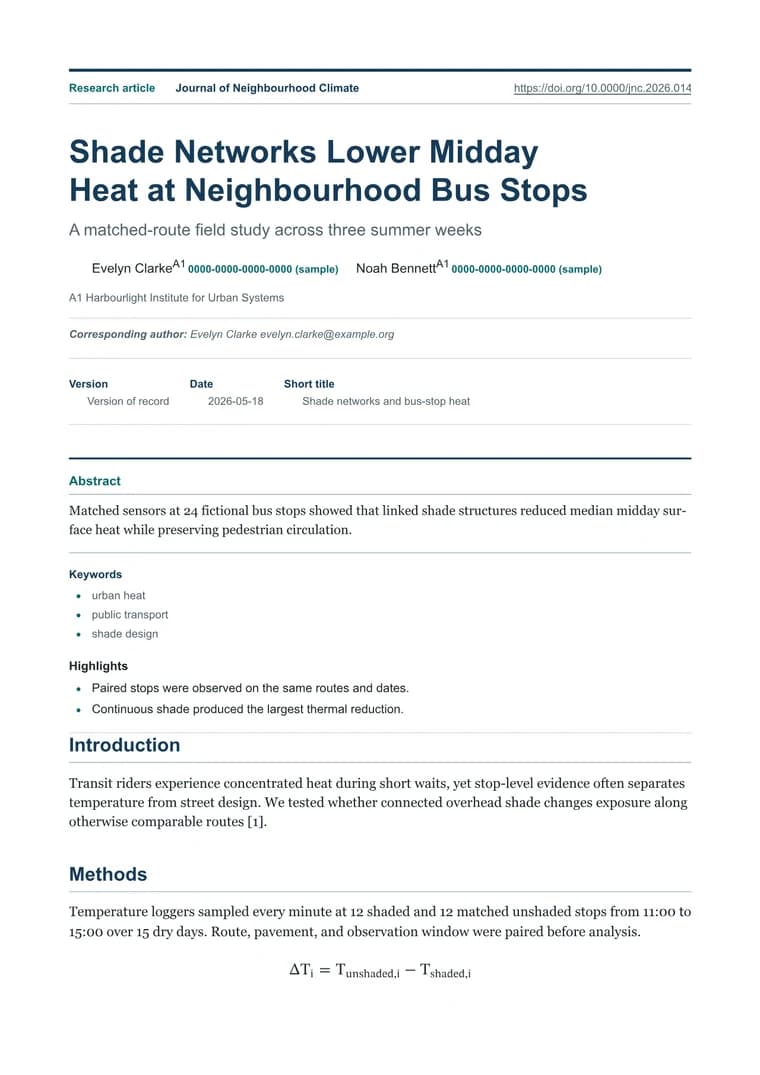
Scholar Publication - PDF preview
Scholar PublicationRendered PDF
templateId: "academic"

Recommended template

Scholar Publication when research needs formal structure, readable evidence, and a calmer PDF layout.

Why this workflow works well

  • Turn Markdown research notes into formal reports without manual formatting.
  • Keep evidence tables, quotes, and references readable outside the research workspace.
  • Create a PDF that feels appropriate for stakeholder review.

How to convert this page to PDF

  1. Paste the report draft: Bring in Markdown with background, method, findings, tables, limitations, and references.
  2. Use academic styling: Apply formal typography and spacing for long-form reading and review.
  3. Export the review copy: Check tables, quotes, and references, then download the PDF for stakeholders or reviewers.

FAQ

What matters in a research report export?

A research report PDF should preserve method, findings, evidence, tables, caveats, and references in a formal reading flow.

Why use the Academic template?

Academic gives long-form research a calmer reading rhythm with typography suited to formal reports.

Can I include tables and references?

Yes. Markdown tables, block quotes, and reference lists are supported and should be checked in preview before export.

Related use cases

Explore adjacent workflows when this document starts in a different tool or needs a different final layout.