Use case
Markdown Proposal to PDF
Turn a Markdown proposal into a client-ready PDF with clear scope, timeline, pricing, and next steps.
Try 5 premium PDFs freeFree accounts get 5 premium PDF exports before upgrading.
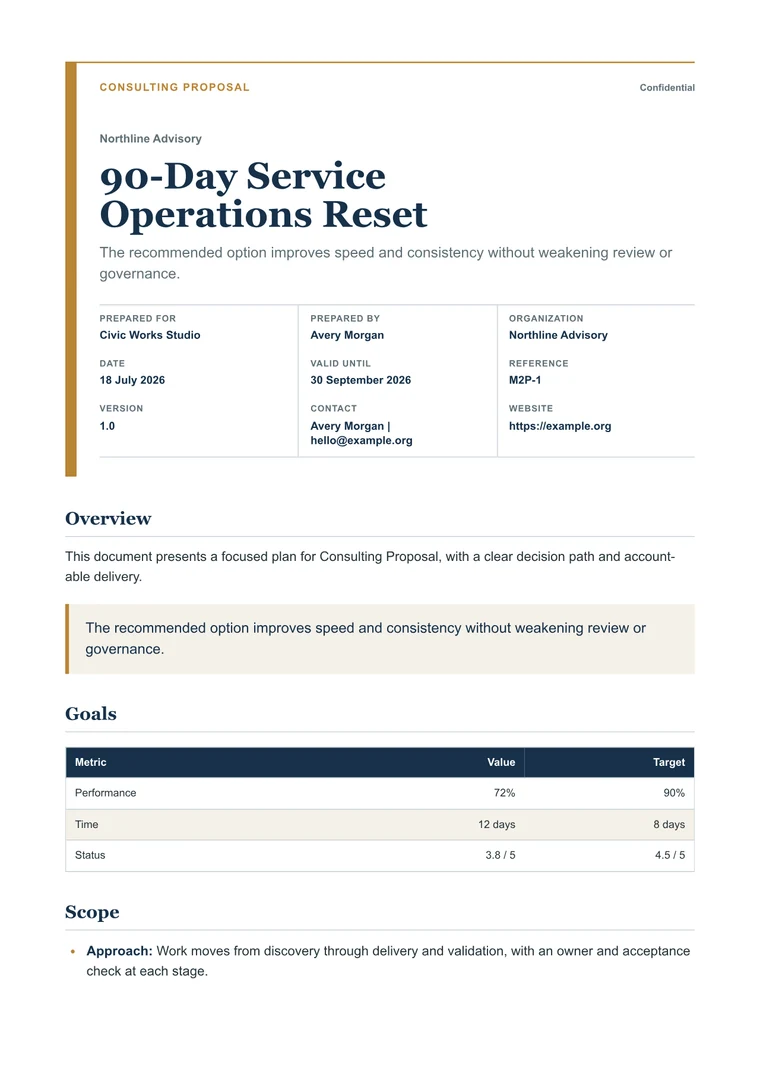
PDF previewConsulting Proposal
Use case
Turn a Markdown proposal into a client-ready PDF with clear scope, timeline, pricing, and next steps.
templateId: "proposal-consulting"Consulting Proposal when a proposal needs to feel polished enough for a buyer or stakeholder review.
A strong proposal PDF keeps outcome, scope, timeline, investment, and next steps easy to scan.
Consulting Proposal is built for buyer-facing outcomes, scope, timeline, investment, and next steps without making the document feel heavy.
Check the scope, assumptions, price table, and call to action before exporting the client copy.
Explore adjacent workflows when this document starts in a different tool or needs a different final layout.