Markdown to PDF

Task-specific PDF converter

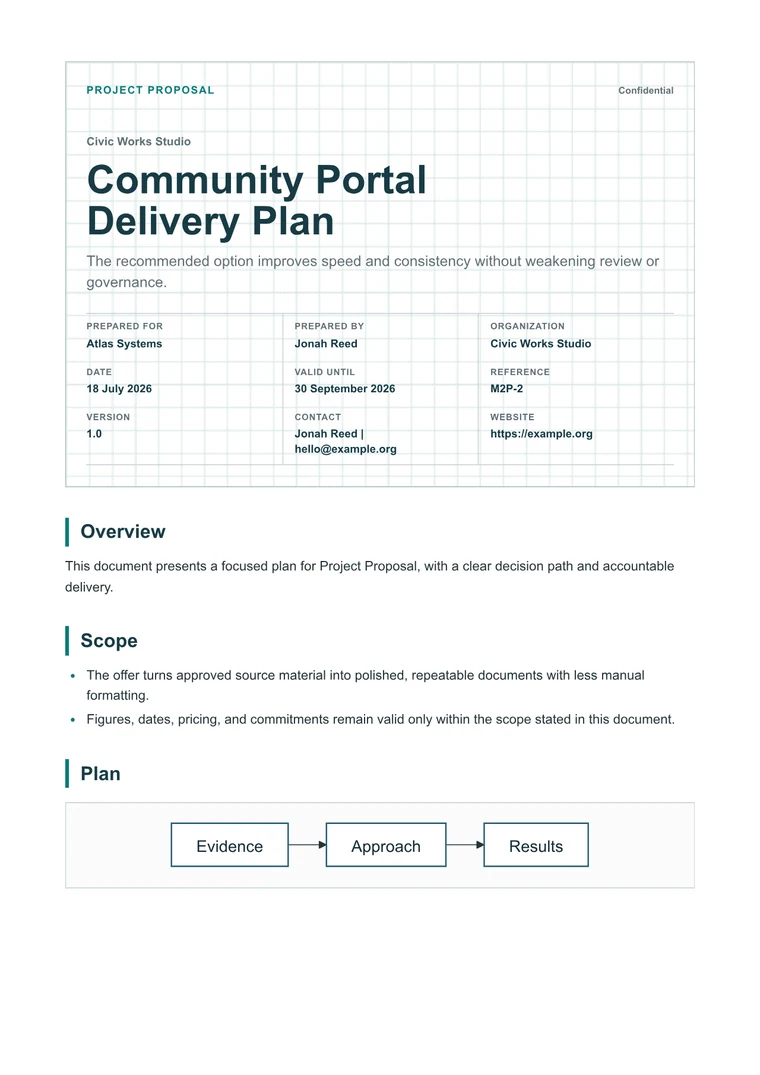
Markdown Project Plan to PDF

Turn a Markdown project plan into a PDF with milestones, owners, risks, and next steps ready for review.

Recommended template

Executive when a project plan needs to look ready for stakeholders and not just internal notes.

Why this workflow works

  • Make Markdown project plans easier to share with stakeholders.
  • Keep milestones, owners, and risk tables readable in a stable PDF.
  • Avoid duplicating planning work in slides or docs just to export a polished file.

How it works

  1. Paste the project plan: Use Markdown with objectives, scope, milestones, owners, dependencies, and risks.
  2. Apply stakeholder formatting: Choose a business layout that makes tables and status sections easier to scan.
  3. Export the planning copy: Preview milestones and risks, then download a PDF for kickoff or steering review.

Questions before you export

What should a project-plan PDF include?

A useful project-plan PDF keeps objectives, milestones, owners, risks, dependencies, and next steps visible.

Which template works best for project plans?

Executive gives plans, tables, and risk sections a clearer stakeholder-ready structure.

How do I keep the plan readable?

Use short milestone names, keep owners in a table, and preview the timeline section before downloading.

Related converters

Try nearby document workflows that use the same Markdown-to-PDF engine.