MD to PDF

Markdown Meeting Notes to PDF

Convert Markdown meeting notes into a polished PDF where decisions, action items, and owners are easy to scan.

Try 5 premium PDFs freeFree accounts get 5 premium PDF exports before upgrading.
PDF previewExecutive
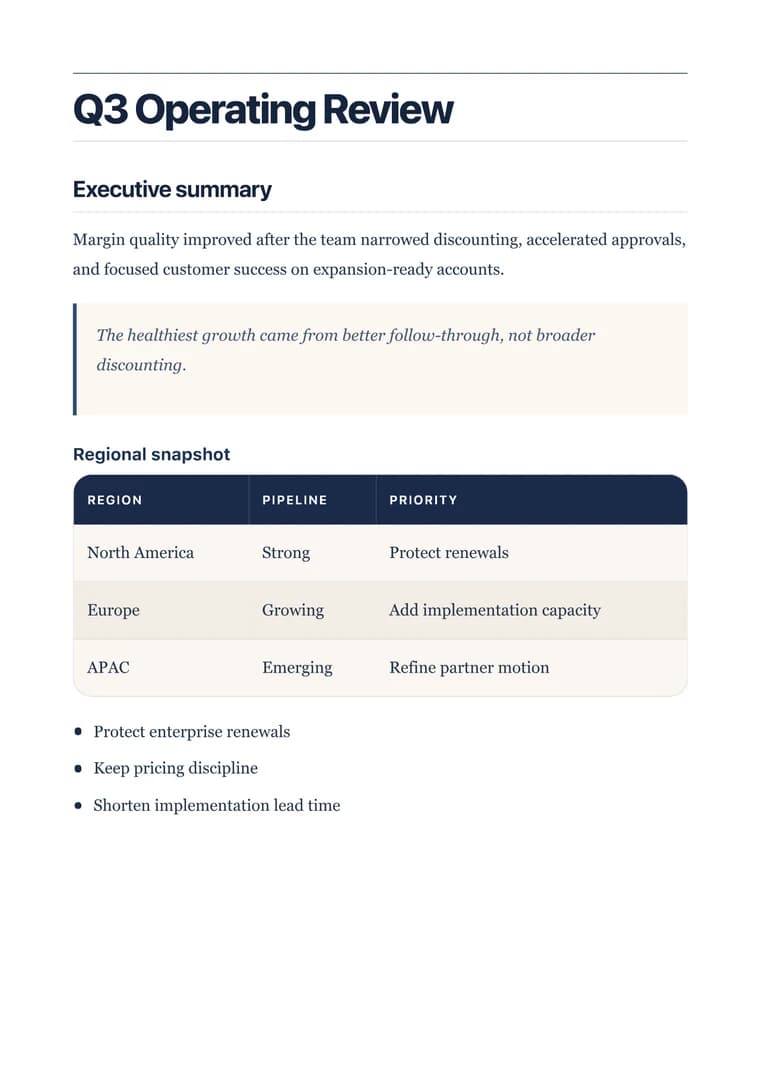
Executive - PDF preview
ExecutiveRendered PDF
templateId: "executive"

Recommended template

Executive when notes need to become a clear follow-up document instead of a raw transcript.

Why this workflow works well

  • Turn meeting notes into a clean artifact that can be sent after the call.
  • Keep action items, owners, and deadlines visible in the exported PDF.
  • Avoid pasting notes into another document editor just to make them presentable.

How to convert this page to PDF

  1. Paste the meeting notes: Use the Markdown version with attendees, decisions, discussion notes, and action items.
  2. Choose a review-friendly layout: Apply a template that makes decisions and action tables feel like a clean recap.
  3. Send the follow-up PDF: Preview owners and due dates, then download the PDF for stakeholders or clients.

FAQ

What matters in meeting-notes PDFs?

The PDF should make decisions, open questions, action items, owners, and due dates easy to find.

Which template should I use for meeting notes?

Executive works well for meeting notes that need to become a status update or stakeholder recap.

Can I export action items clearly?

Yes. Keep owners and due dates in a table, then preview the PDF before sharing it with the team.

Related use cases

Explore adjacent workflows when this document starts in a different tool or needs a different final layout.