Use case
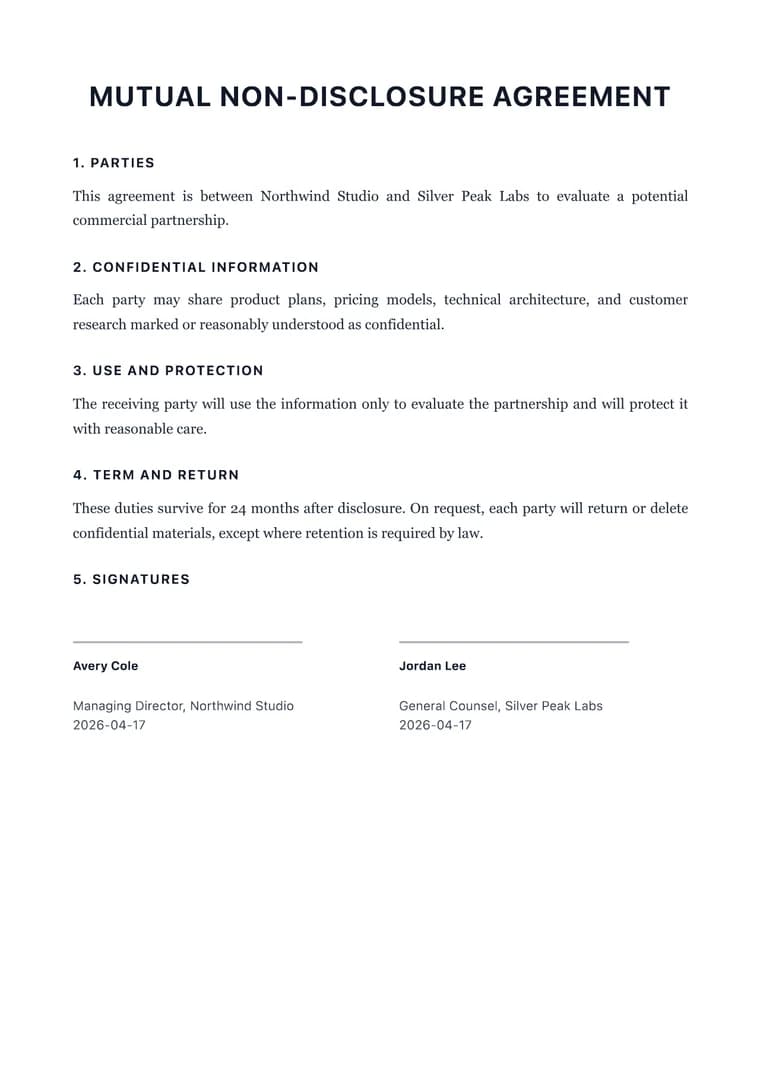
Markdown Legal Contract to PDF
Format a Markdown contract draft into a structured PDF that is easier to review, mark up, and sign.
Try 5 premium PDFs freeFree accounts get 5 premium PDF exports before upgrading.
PDF previewLegal
Use case
Format a Markdown contract draft into a structured PDF that is easier to review, mark up, and sign.
templateId: "legal"Legal when a contract draft needs formal hierarchy, clear clauses, and signature blocks.
It makes parties, definitions, obligations, terms, and signature blocks easier to scan before legal review.
Legal is designed for structured sections, dense clauses, and signature areas. It is a formatting template, not legal advice.
Confirm party names, dates, governing law, payment terms, and signature blocks before sharing the PDF.
Explore adjacent workflows when this document starts in a different tool or needs a different final layout.