Use case
Markdown Academic Paper to PDF
Turn a Markdown essay, research paper, or coursework draft into a formal academic PDF.
Try 5 premium PDFs freeFree accounts get 5 premium PDF exports before upgrading.
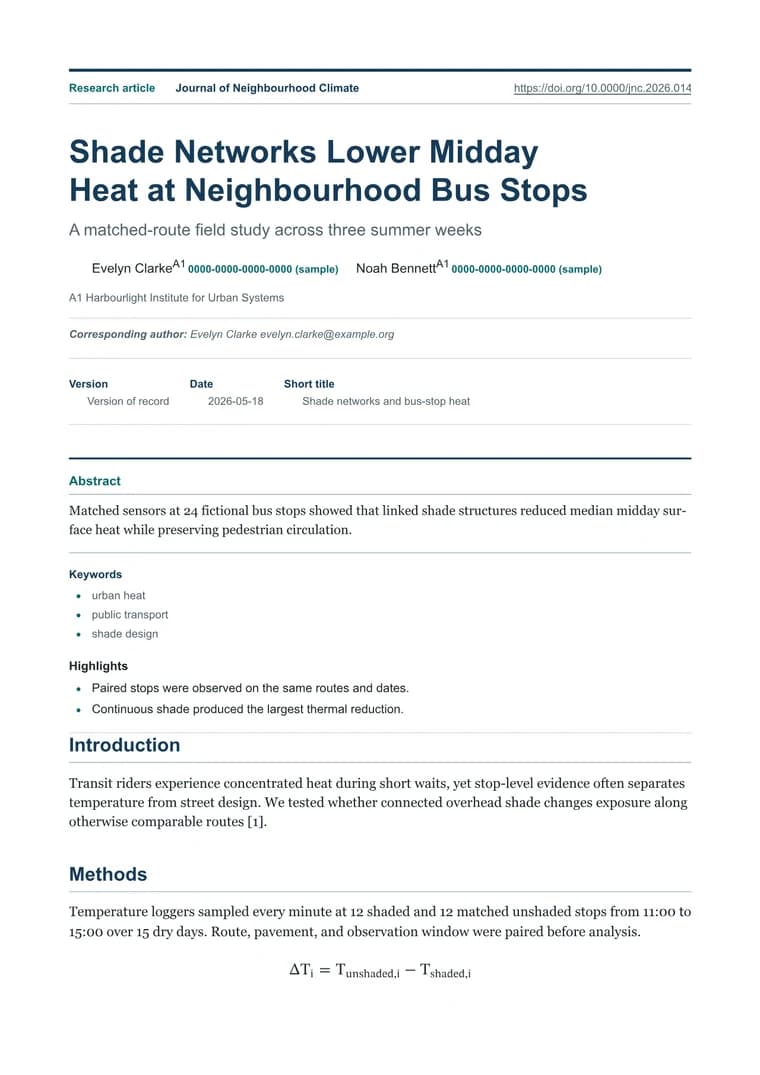
PDF previewScholar Publication
Use case
Turn a Markdown essay, research paper, or coursework draft into a formal academic PDF.
templateId: "academic"Scholar Publication when long-form academic writing needs formal typography and calmer reading rhythm.
Academic exports need headings, citations, block quotes, tables, and references to remain formal and readable.
Academic uses formal typography and paper-like spacing so essays, research notes, and coursework do not look like raw Markdown.
Check heading levels, citation formatting, tables, and the references section before downloading the final PDF.
Explore adjacent workflows when this document starts in a different tool or needs a different final layout.